

Use Cases
What You Can Do with ExtraDock
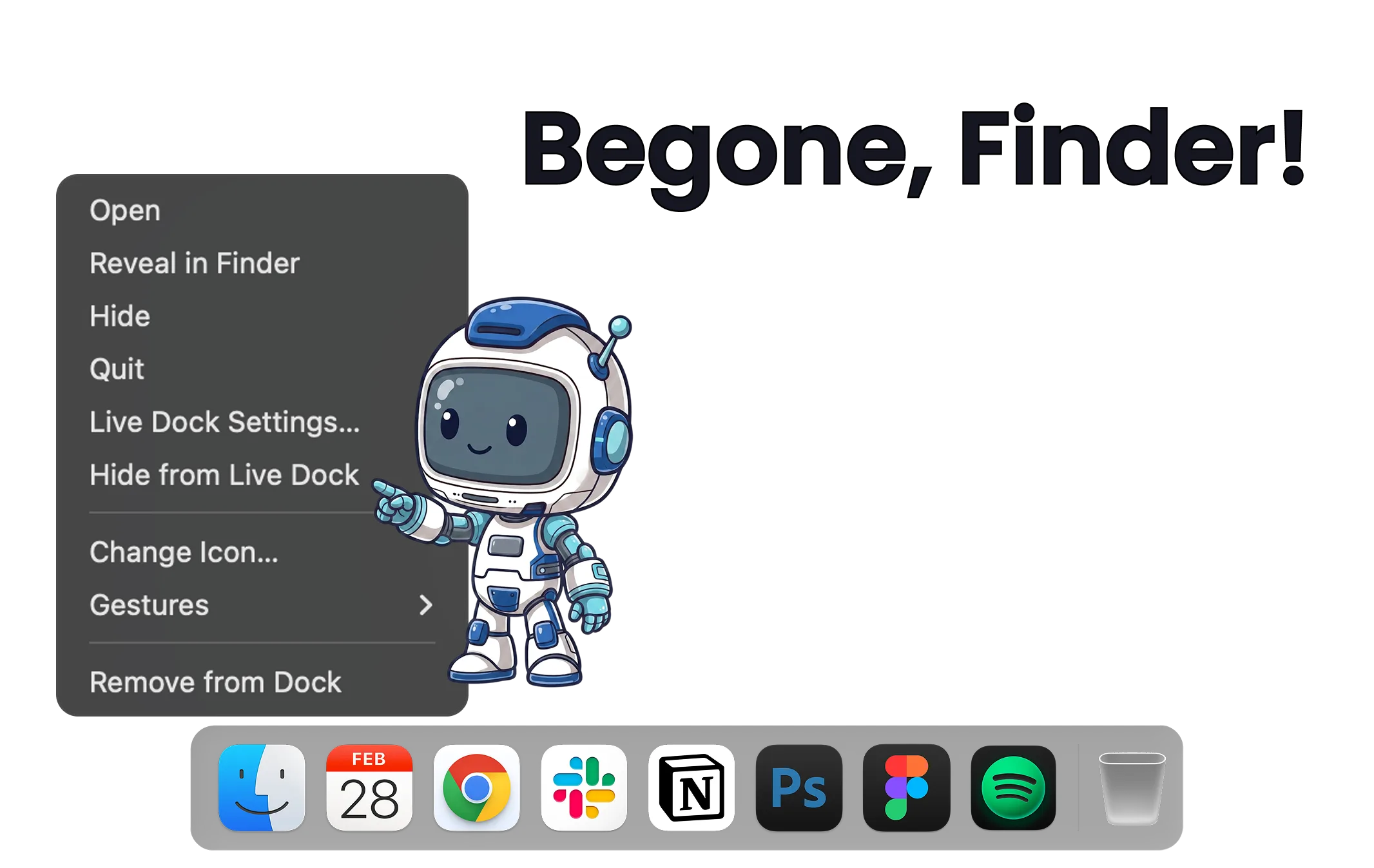
macOS Dock Replacement
Replace the limits of Apple's Dock, not the Dock itself. Add unlimited custom docks on any screen, running right alongside the native Dock.
Read the guide →
Show Dock on All Screens
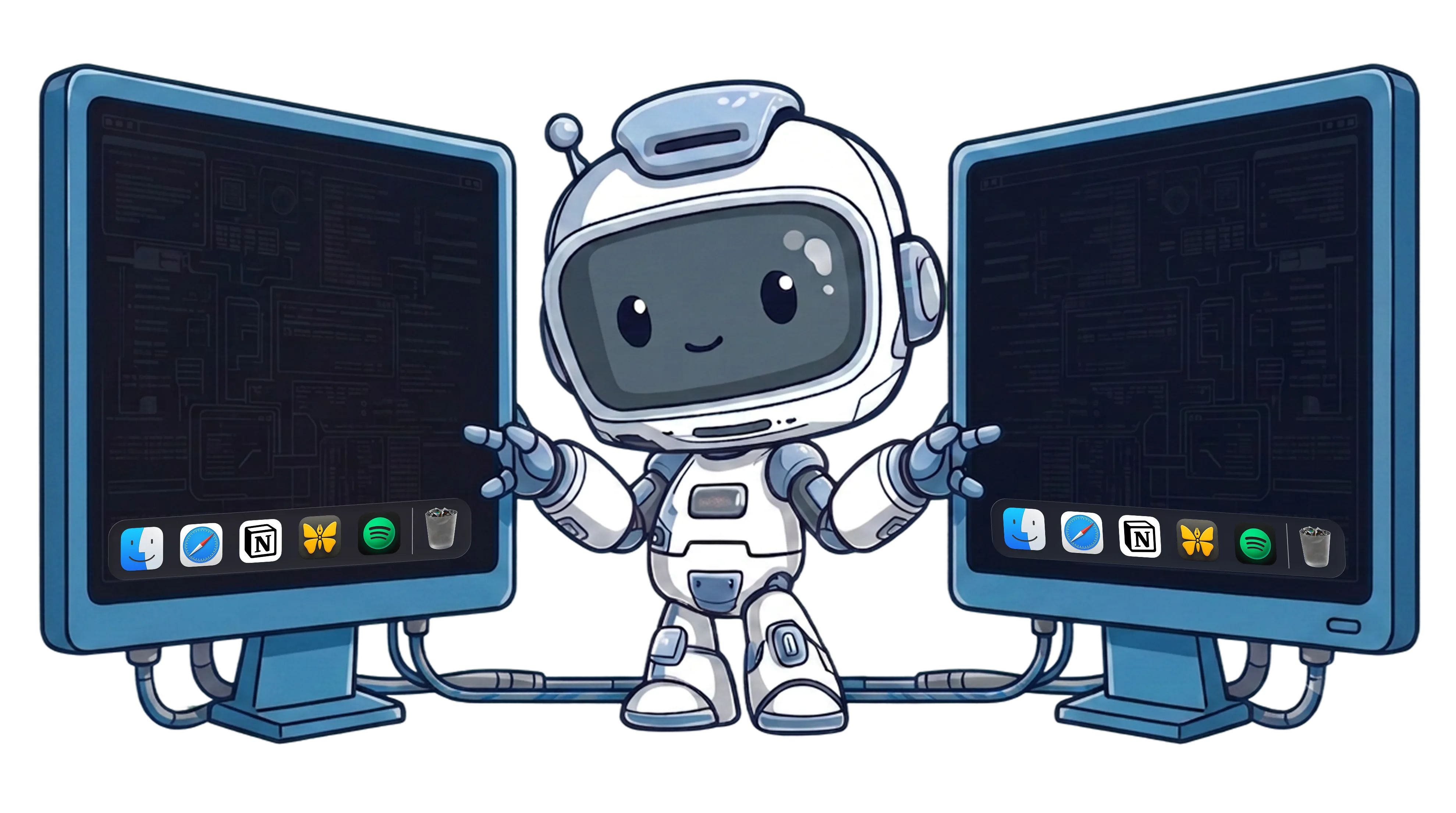
macOS limits the Dock to one display. Mirror it to every screen dynamically, or give each monitor its own dock.
Read the guide →
Move the Dock to Another Screen
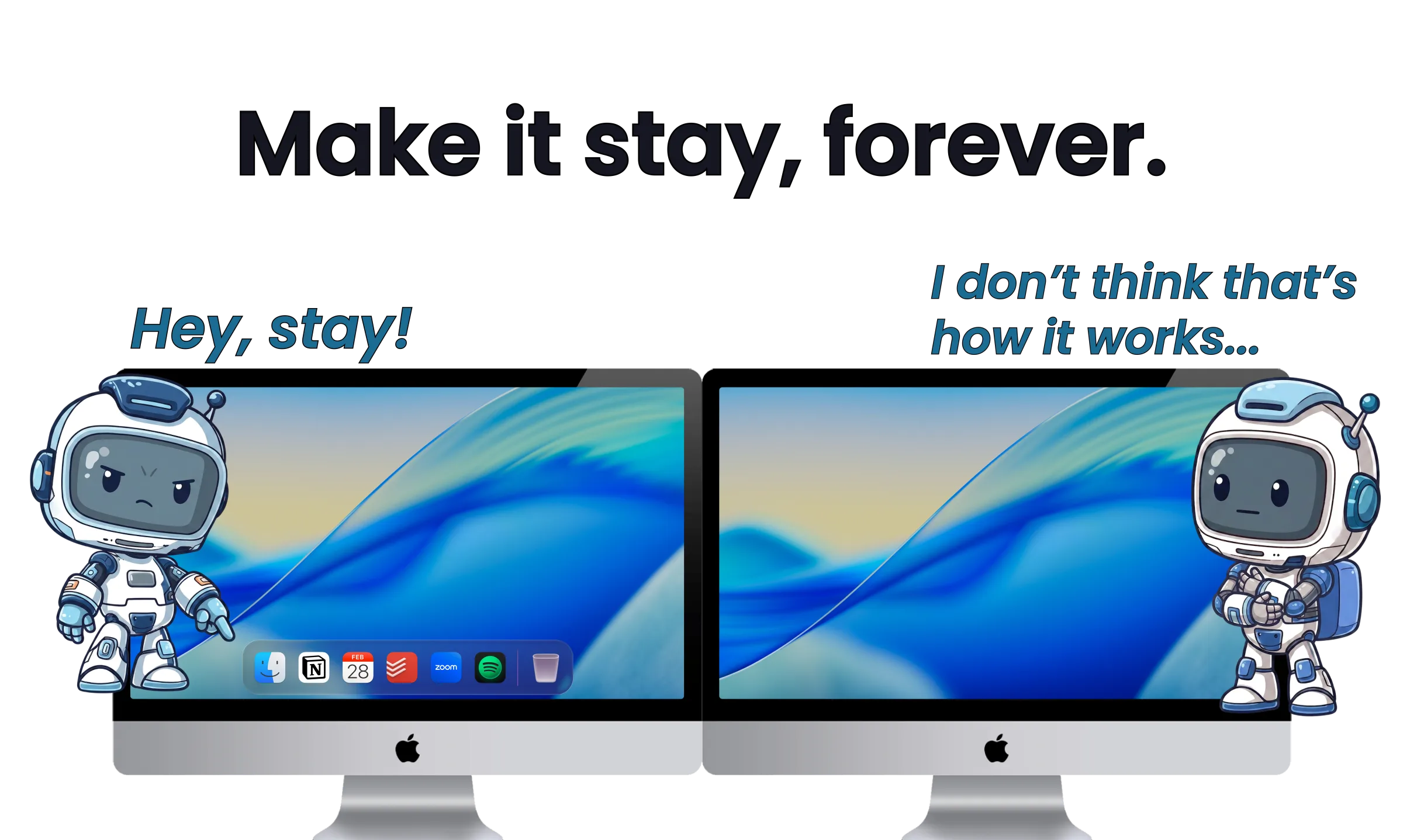
The native way to move the Mac Dock to a second monitor, why it won't stay put, and how to pin a dock to each display.
Read the guide →
Customize the Mac Dock
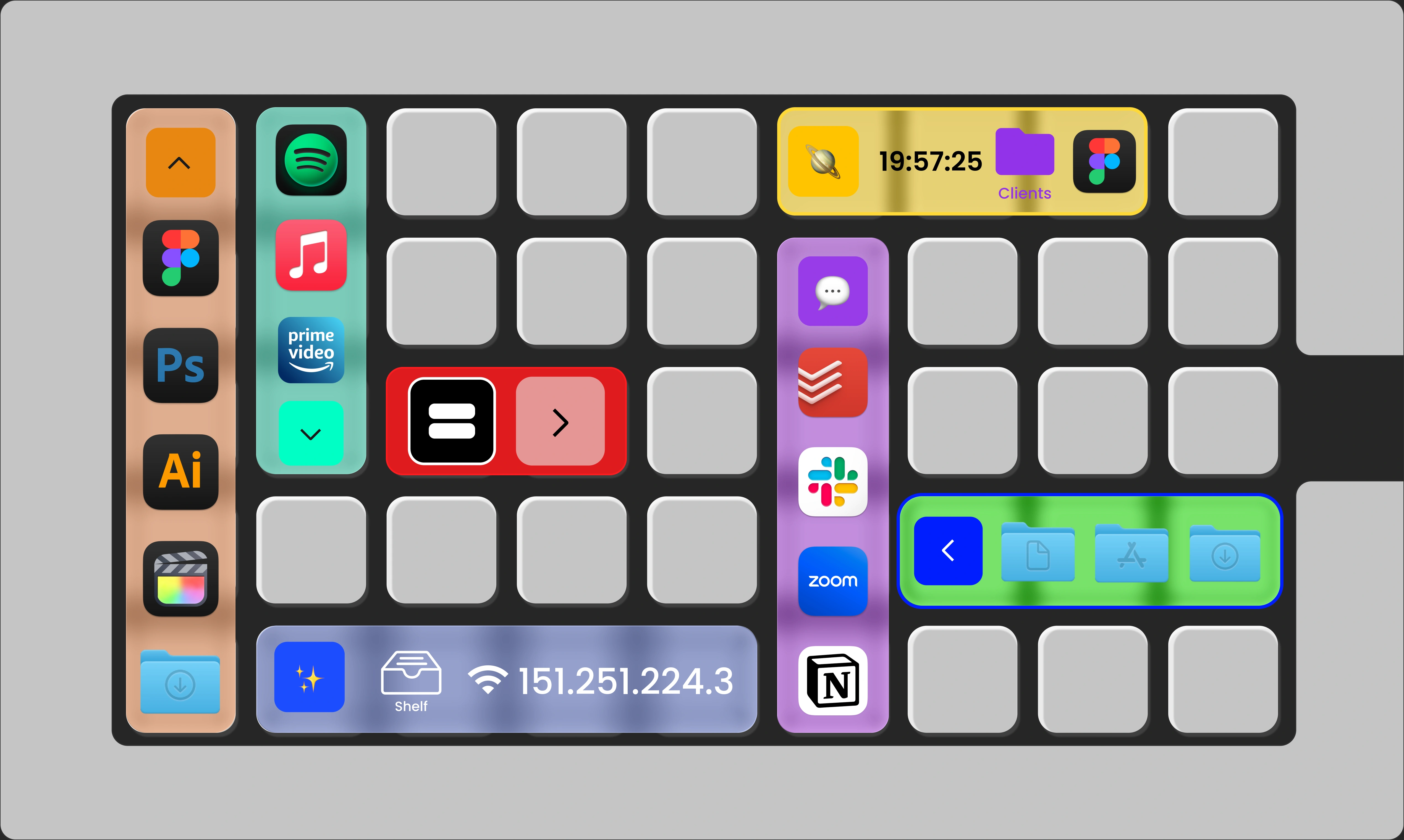
What Apple lets you change, and five ways ExtraDock goes beyond the default.
Read the guide →
Move Files on Mac
A better alternative to dragging across Finder windows: drop files straight into folders, hold them on the shelf, and reach folders from a single icon.
Read the guide →Customize Dock Icons
Set any image as an app's icon, per app and per dock, without touching the apps themselves.
Read the guide →