Use Case

Mac system monitoring

Mac system monitoring should stay visible while you work, not buried in Activity Monitor.

ExtraDock puts live CPU, memory, GPU, and battery widgets in a dock you can keep on any screen.

14-day money-back guarantee.

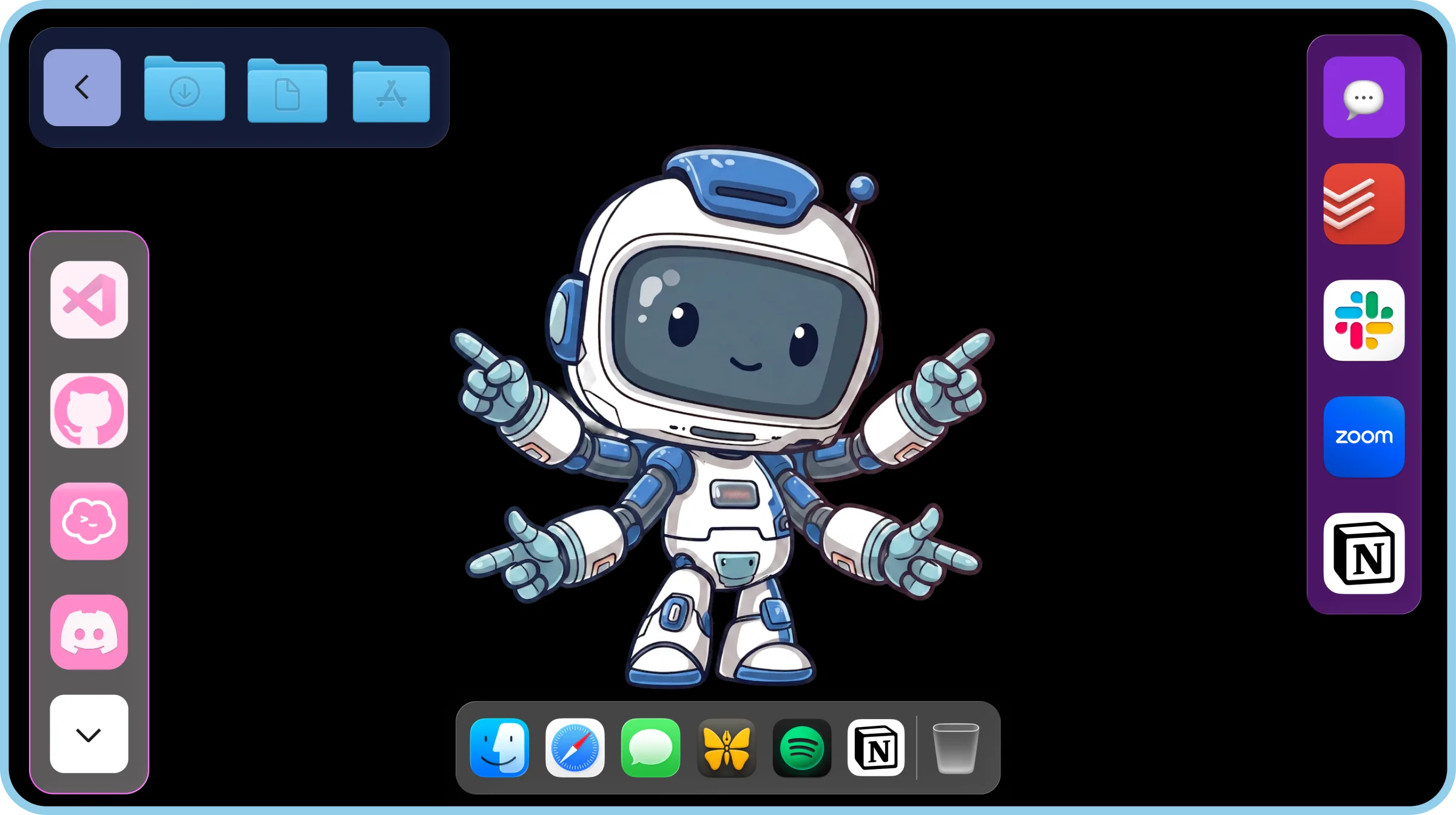
ExtraDock's ExtraBot mascot placing a dock on any screen, anywhere

A Dock on Any Screen, Anywhere

ExtraDock puts a dock on any display, at any screen edge, floating, or as a desktop widget.

You can make it look exactly like the macOS Dock, or customize it with colors, effects, and custom app icons.

Docks can be assigned to a specific screen or shown on all screens with one toggle.
Added Quality of Life

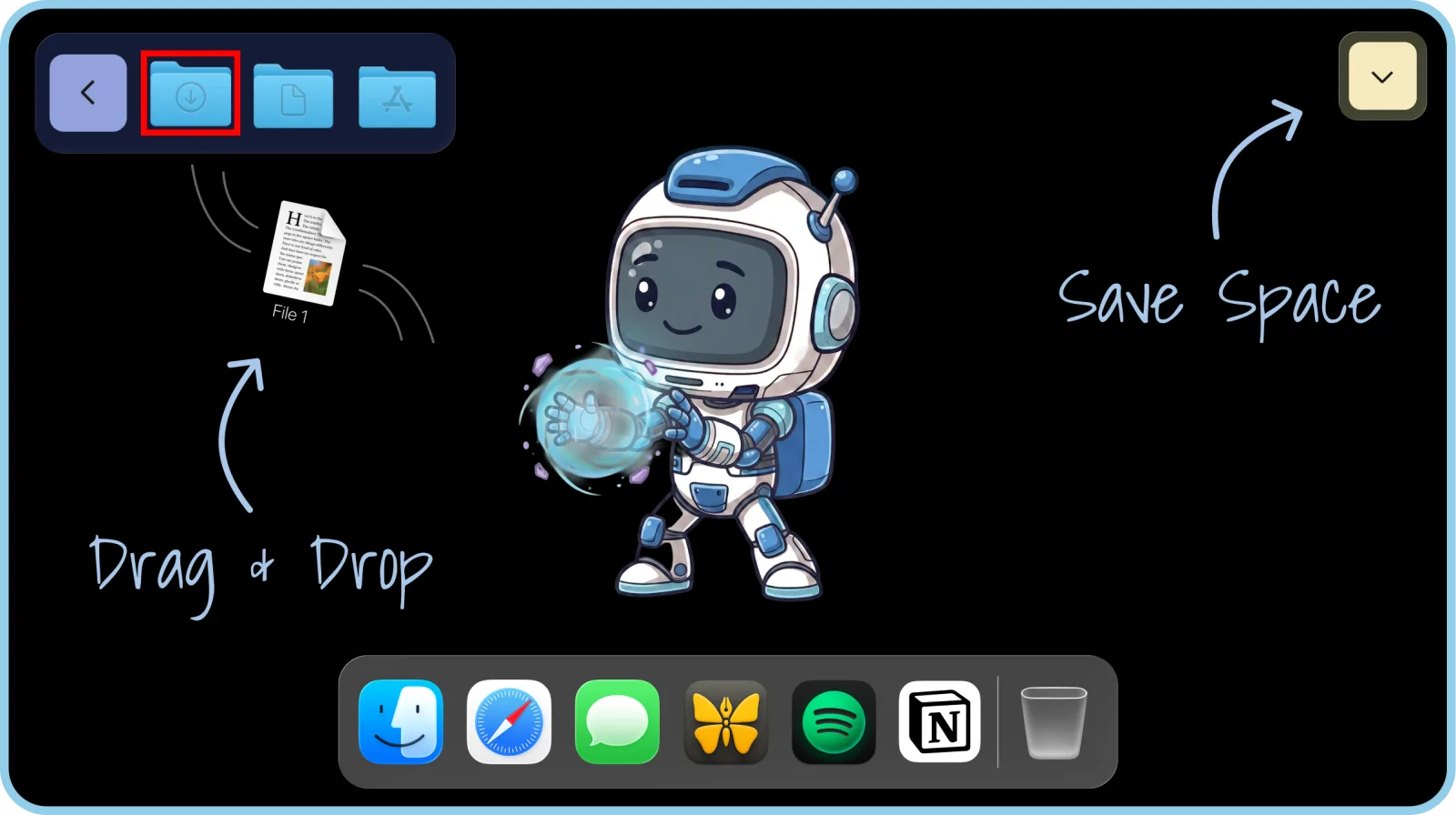
ExtraDock is full of small quality of life features designed to improve your workflow:

  • Widgets: add widgets like a clock, quick-access folder stacks, and more
  • App preview: hover over an app to see a preview of its open windows
  • Drag and drop: drop a file on a dock folder to move it there
  • Shelf: hold files there while you move between windows
ExtraDock's ExtraBot mascot showing quality-of-life features: drag and drop into dock folders and a collapsible dock

See It at a Glance

Some widgets are just there to tell you things. Park them in a dock and stop opening apps to check.

  • Clock shows the time and date
  • IP Address keeps your current IP in view
  • Stripe Balance keeps your revenue in sight
  • Space Awareness updates dynamically to show the apps open on your current Space

Customization

No two docks have to look alike. Style each one with its own colors, size, and personality.

  • Color themes from classic macOS to full neon
  • Solid, transparent, or Liquid Glass backgrounds
  • Adjust icon size, gaps, and dock scale
  • Give every app the custom icon it deserves

Position

Your dock doesn't have to live at the bottom. Put a dock on any screen, any edge, or let it float.

  • Snap docks to an edge or let them float anywhere
  • Go horizontal or vertical, your call
  • Assign each dock to its own screen
  • When a display disconnects, its docks hide automatically and return to their exact spot the moment it's back

Behavior

Your docks, on their best behavior. There when you need them, gone when you don't.

  • Auto-hide when not in use, reappear on hover
  • Collapse a dock into a single button
  • Hide on fullscreen, or always visible
  • Each dock has its own behavior settings

Widgets

Apps are just the start. Widgets bring your dock to life.

  • Clock, Shelf, App Folders and more
  • Docks that know which Space you're in and what's running
  • Drag and drop files into folders, right from your dock
  • Meet TamaDocky. Your dock has a pet now.

Wall of Love

Don't take our word for it… Take theirs

Extradock has enjoyed, and will continue to enjoy, my rave support. When it comes to creating multiple docks, there is no other app that not only does this but also adds a massive amount of functionality. If your aim is countless docks, there are options. If your aim is countless docks with incredible customisation and placement anywhere on screen, there is only Extradock that has created this functionality and continues to lead the way. I fully endorse this app.

u/andreshows · Dock App Reviewer

View on Reddit

Just bought the app and I'm loving it so far! I already found the Effects section where you can add things like snowflakes or fireworks as background animations — great feature!

u/Agitated_Bar_712

View on Reddit

Didn’t know this app existed, I’m using two monitors (one for figma and indesign, and the 2nd monitor for entertainment like youtube and spotify) so this docks will help to organize my main app that I’m using frequently. Thank you! 🙏

u/iaffandi

View on Reddit

wow this looks crazy powerful. had no idea you could this. Kudos!

u/Top_Power5877

View on Reddit

I am a very enthusiastic Extra Dock user and have tested numerous alternative Dock applications for macOS over the years. In my opinion, yours is by far the best. It’s rare to find an application that is not only so thoughtfully designed but also developed by a team that clearly listens to its users.

Sebastian · ExtraDock user

I love this app so much! I'm using it like a launcher. I group my apps into ctegories and put many docks on my desktop.

u/theAlmajo

View on Reddit

Congrats on releasing the new update! Looks great :)

u/empty23_ · Developer of Sidebar

View on Reddit

Really hyped to follow along this journey! :D Every time I open my app updater and spot ExtraDock, I get super excited because legit every single time there's something made smoother or generally better, and because I use the extra docks (ha) all the time, it's super noticeable. Really appreciate all the hard work and again, really excited for what's to come! ❤️✨

u/solarsflare

View on Reddit

Fantástico perfeito Solution

u/lasbroggio

View on Reddit

I did not realise there was an update until two days ago, and again I was left incredibly impressed. I absolutely love all the new features.

u/andreshows · Dock App Reviewer

View on Reddit

Great work on this. Thanks

u/mrterrycarson

View on Reddit

Everything is working perfectly. Thank you, thank you, thank you. I really enjoy using this app and am glad I can continue using it. I have been looking for an app just like this for a long time.

David · ExtraDock user

ExtraDock is my favorite launcher/switcher to use when I am remoted into my mothership machine. It makes things manageable when I am trying to use 27-inch displays via a 15-inch MBA.

u/amerpie · Mac App Reviewer

View on Reddit

This is a great solution to a problem that drives me nuts. The worst for me is when I accidentally get the Dock from my MBP onto the secondary display and have to get it back down on the MBP. Awesome app idea

u/chrisinoakland

View on Reddit

Another excellent update to an already amazing app from a company that does customisation incredibly well. Thinking about trying the app, take it for a test run - I have been very impressed.

u/andreshows · Dock App Reviewer

View on Reddit

looks like an absolute time / life saver.

u/benjamin-gordon

View on Reddit

Cool idea, and very well executed

u/odshujinkotiipcbev

View on Reddit

what a great idea!

u/astrorobb

View on Reddit

This is working absolutely excellent, I just tested it with multiple apps and this is exactly what I needed. Again thank you for implementing it.

Radek · ExtraDock user

Pricing

One Year License

$14.99

Tax might apply

  • One year access for 1 Mac
  • One year of updates
  • 14-day money-back guarantee
1 Device - $14.99
BLACK FRIDAY - 50% OFF

Forever Edition

$116.50

$58.25

Tax might apply

  • Forever access up to 5 Macs
  • Forever Updates
  • All future app versions
  • 14-day money-back guarantee
5 Devices - $58.25

Standard Lifetime licenses include one year of updates and keep working forever.
Renewal is optional at $9.99 per year. Forever Edition includes all future updates for life.

Your Mac at a glance.

Don't hesitate, we have a 14-day money-back guarantee.

BUY 50% OFF 🚨