
ExtraDock ExtraDock
Home Pricing Docs
Get ExtraDock 40% OFF
Home Pricing Docs
Get ExtraDock 40% OFF

Alternatives

How they compare

ExtraDock compared with uBar on macOS

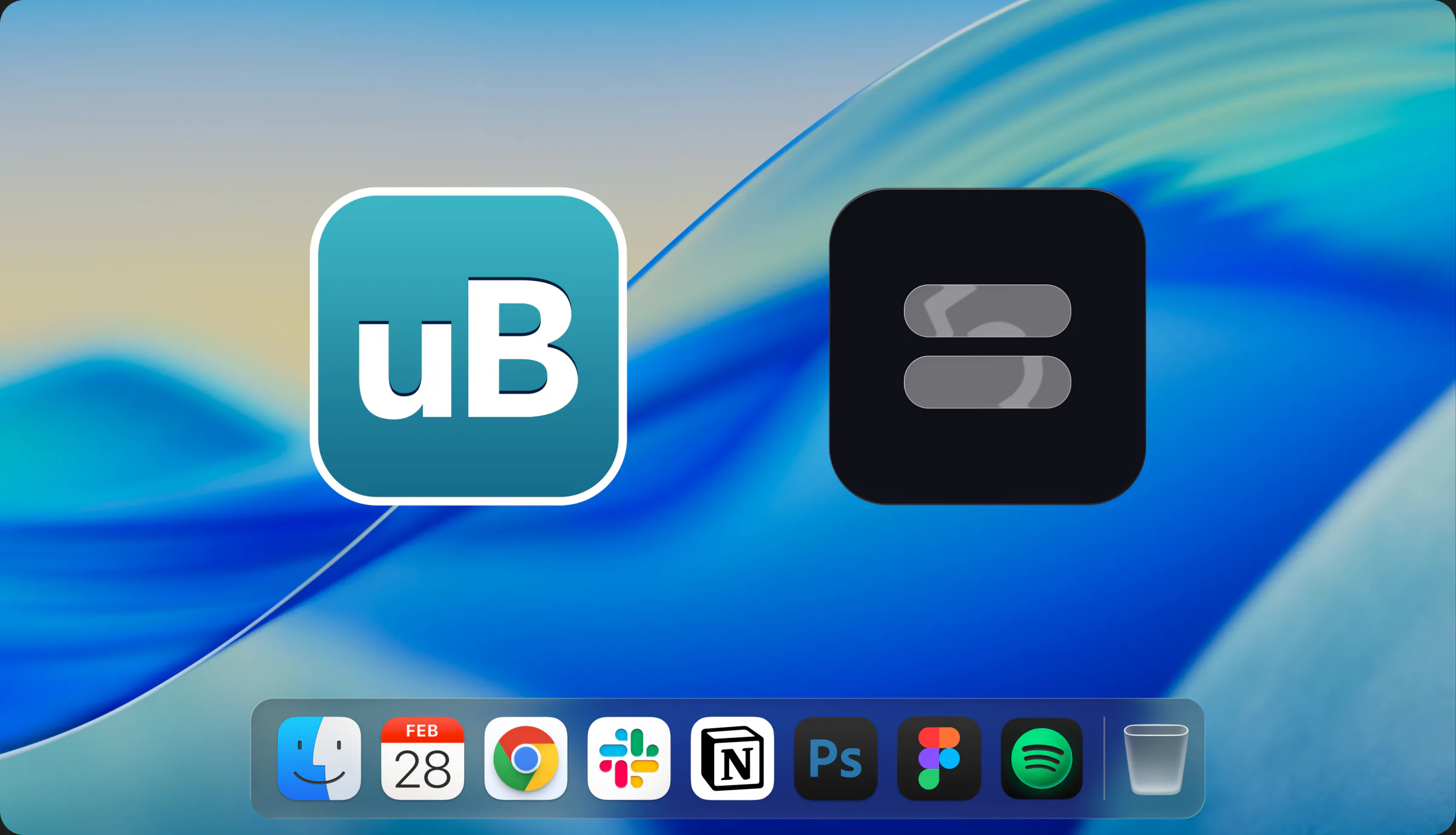
ExtraDock vs uBar

uBar replaces the Dock with a Windows-style taskbar. ExtraDock keeps the native Dock and adds floating docks, widgets, and Folder Stacks on every screen.

Read the comparison →
ExtraDock compared with Sidebar on macOS

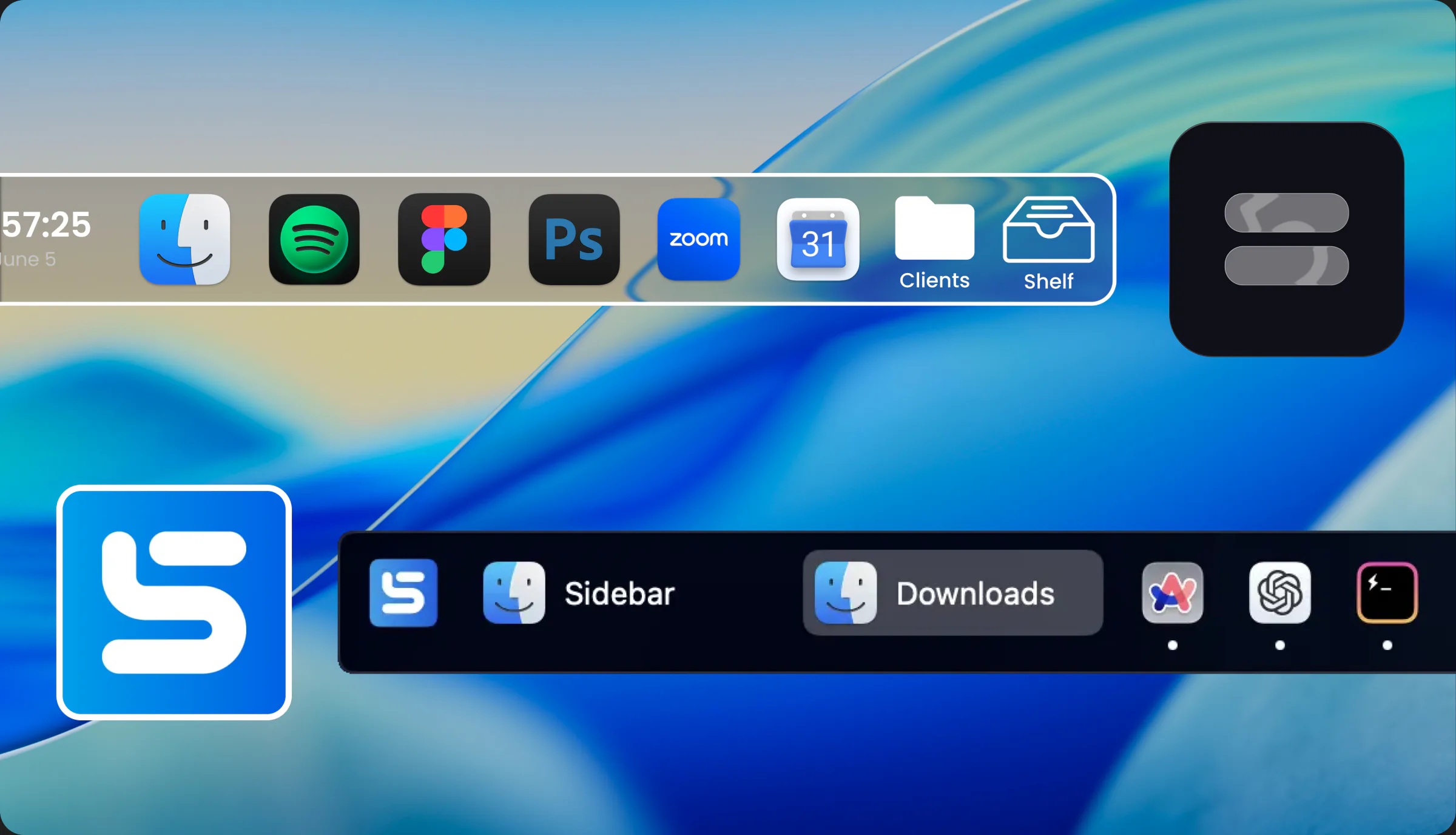
ExtraDock vs Sidebar

Sidebar replaces the macOS Dock. ExtraDock extends it. The two approaches compared, feature by feature.

Read the comparison →
ExtraDock compared with Dropover on macOS

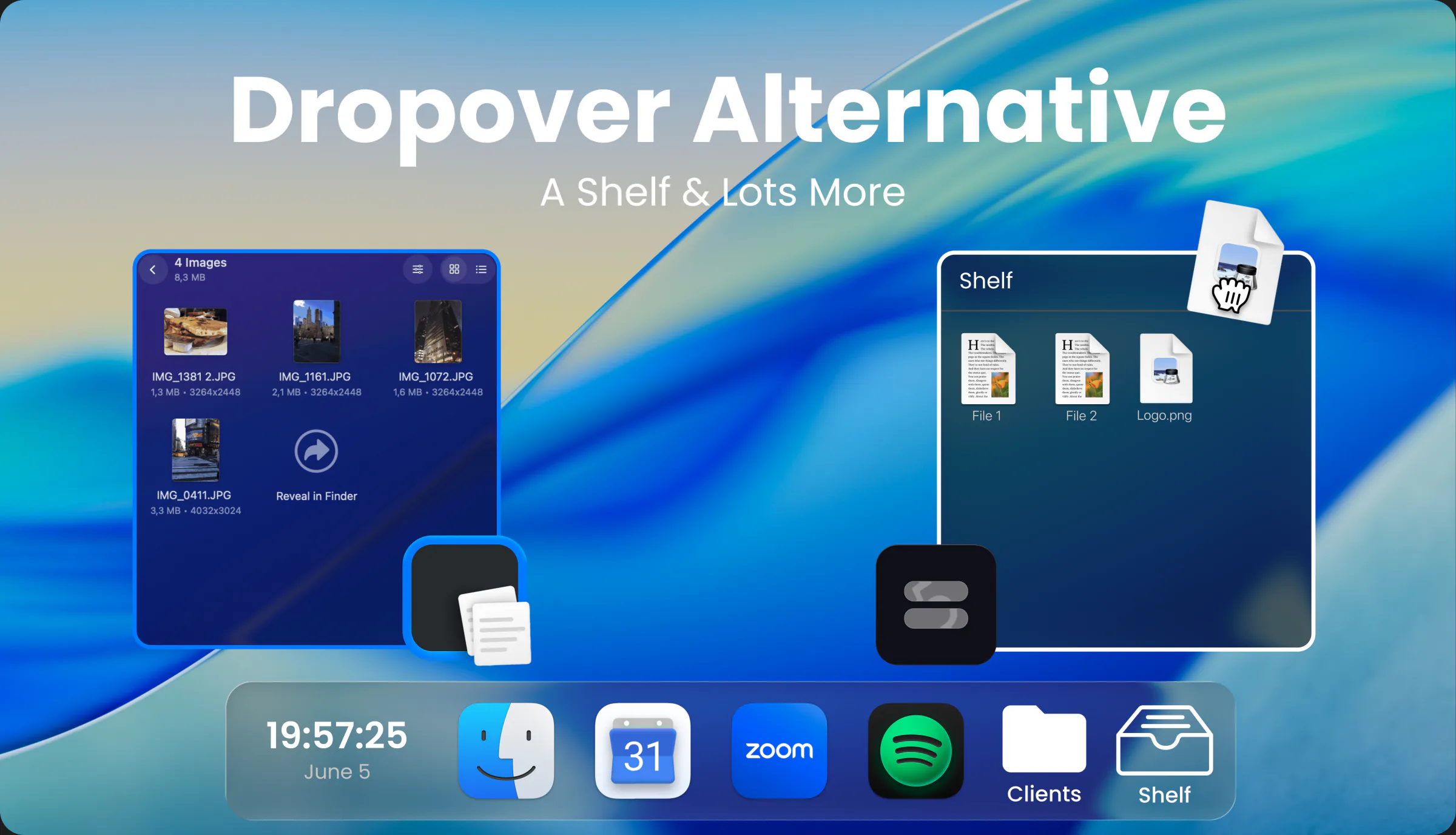
ExtraDock vs Dropover

Dropover is a dedicated file shelf. ExtraDock builds the shelf into your dock, alongside extra docks and Folder Stacks.

Read the comparison →
ExtraDock compared with DockFix on macOS

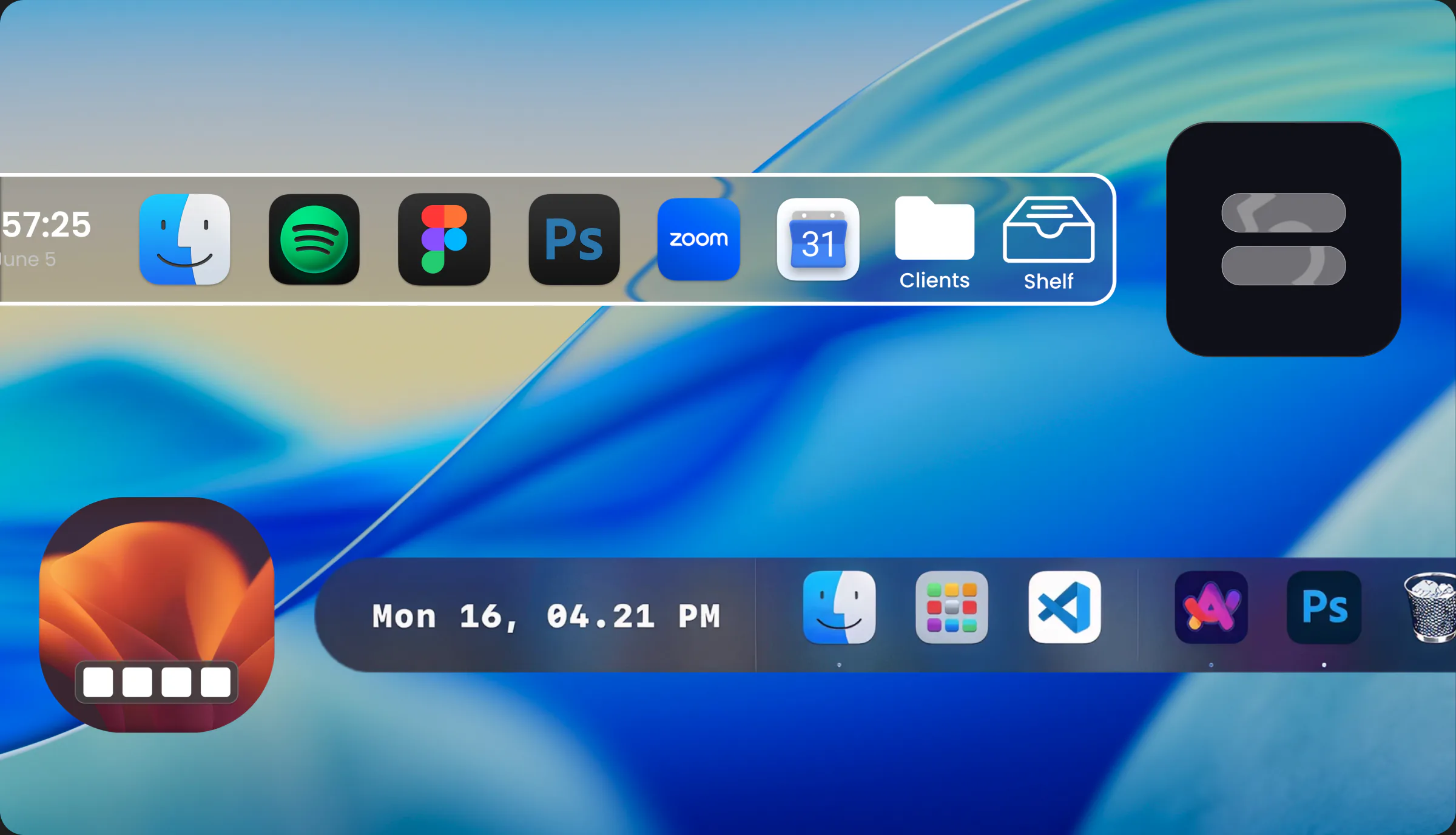
ExtraDock vs DockFix

DockFix customizes your Mac dock. ExtraDock customizes it too, then adds multiple docks, widgets, and Folder Stacks on every screen.

Read the comparison →
ExtraDock compared with Taskbar (Mac taskbar app) on macOS

ExtraDock vs Taskbar

Taskbar by lawand is a Windows-style taskbar for window switching. ExtraDock gives you taskbar-style docks on every screen, with apps, widgets, and folders.

Read the comparison →
ExtraDock compared with DockDoor on macOS

ExtraDock vs DockDoor

DockDoor adds window previews and switching to the macOS Dock. ExtraDock gives you extra, customizable docks on every screen, with apps, folders, and widgets.

Read the comparison →
ExtraDock ExtraDock

Made with ❤️ for macOS users everywhere

Policy

Privacy Policy Terms & Conditions Accessibility Statement

Quick Links

Download Device Management Key Recovery

Resources

Use Cases Alternatives Blog

By AppitStudio

DockFlow ExtraBar Shiori Bundle

Get In Touch

Support Partnerships

ExtraDock © 2026 by Appit Studio.

All rights reserved.