About DockFix
DockFix is a macOS dock customization app that replaces the native dock with a custom one.
It lets you set custom app icons and folder shortcuts.
It also offers ready-made styling presets modeled on macOS, Windows, and Linux.
Comparison
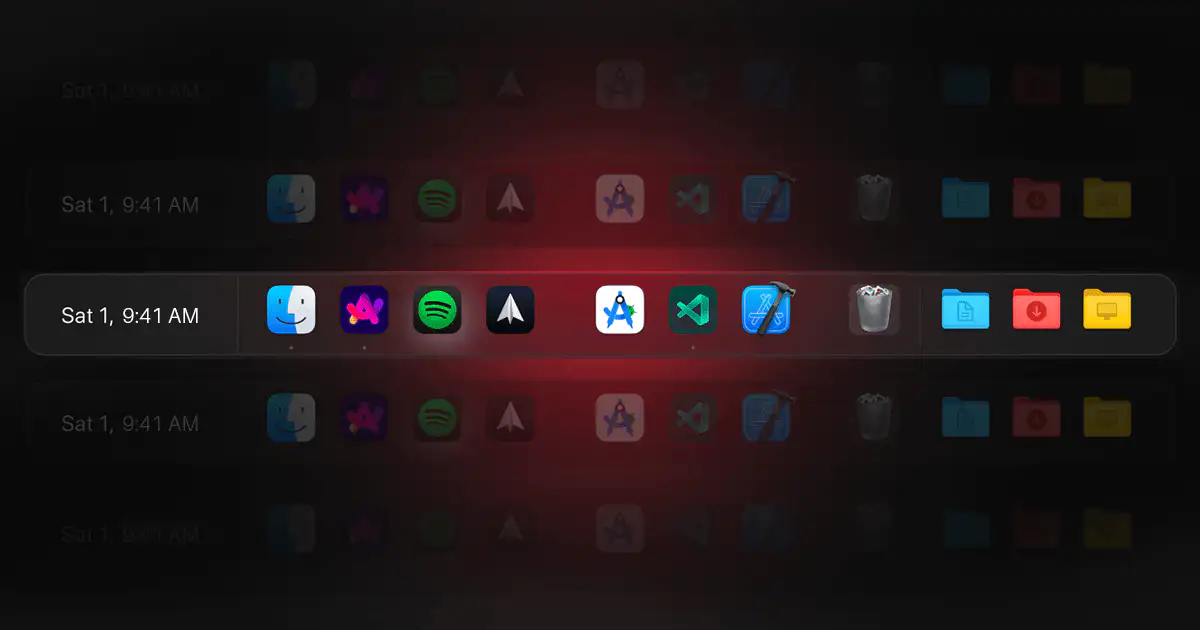
The DockFix Mac app takes over the macOS dock entirely, replacing it with a custom dock you style with new icons, colors, and more extra features.
ExtraDock can also be a complete dock replacement, preserving Apple's aesthetics while improving functionality. Mirror your dock onto every monitor. Add widgets. Customize it down to the last detail.
14-day money-back guarantee.
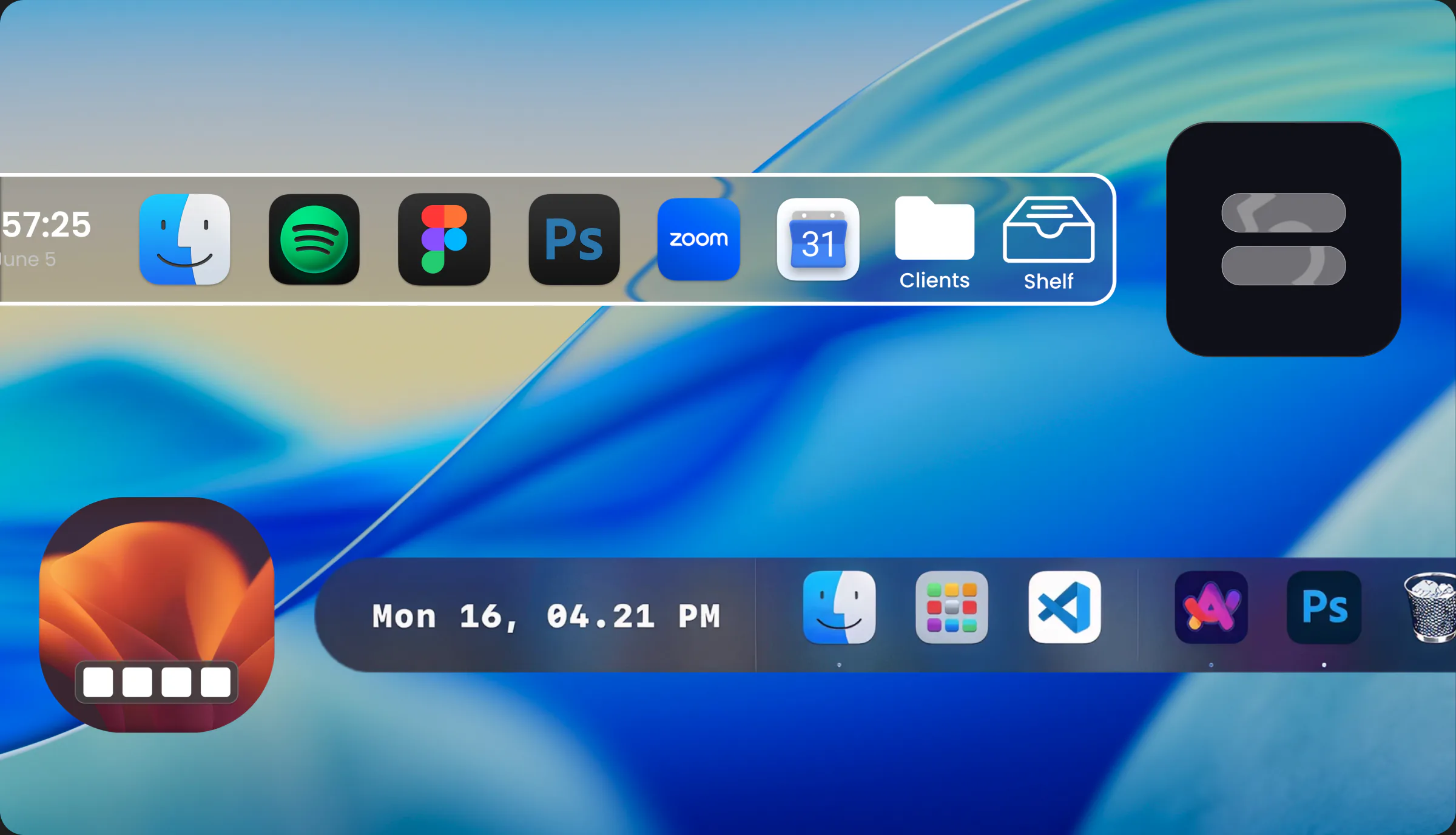
ExtraDock in 30 seconds.
Docks on every screen, widgets, and customization, in one quick tour.
DockFix is a macOS dock customization app that replaces the native dock with a custom one.
It lets you set custom app icons and folder shortcuts.
It also offers ready-made styling presets modeled on macOS, Windows, and Linux.
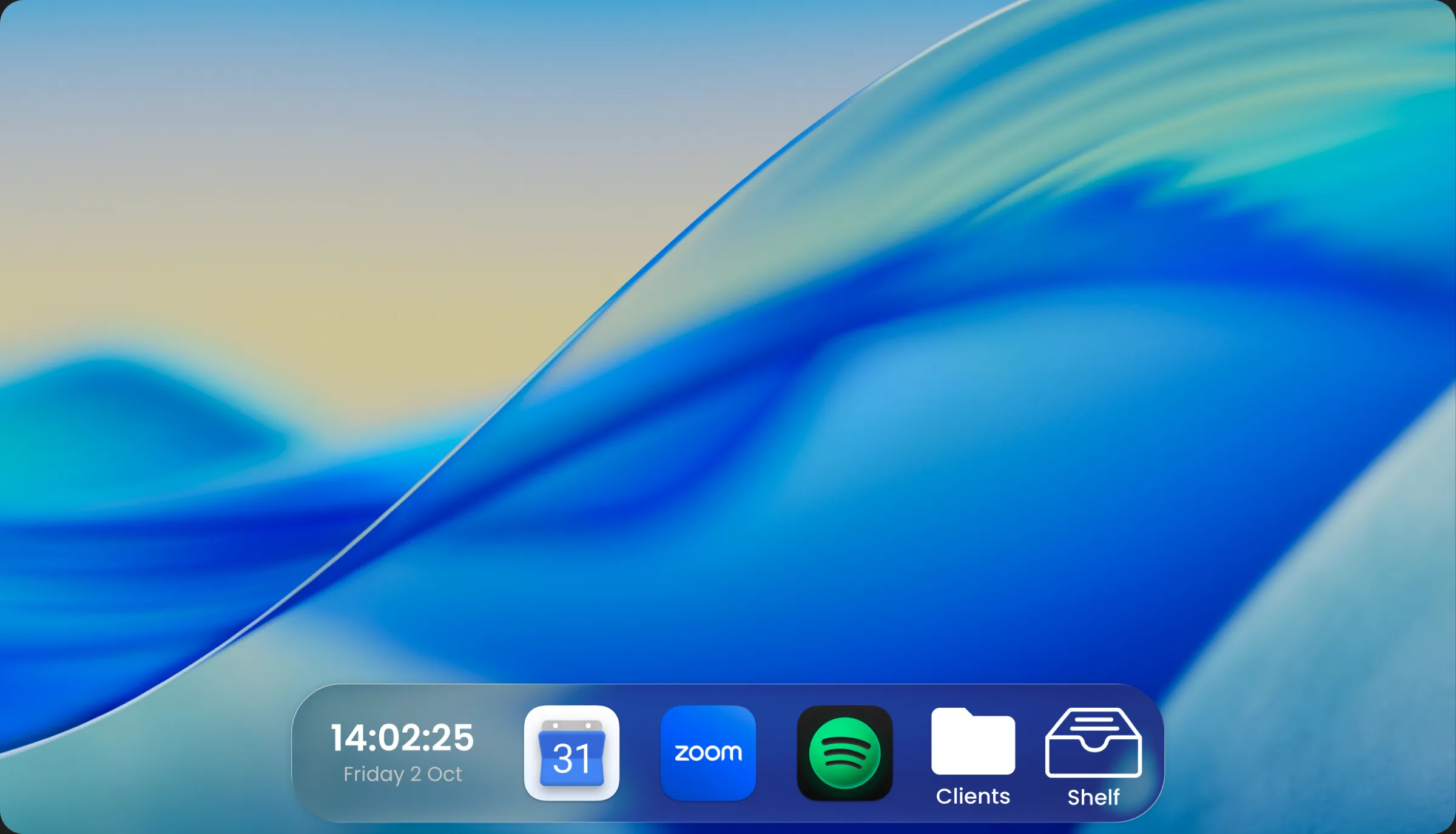
ExtraDock stays with the Mac aesthetic: floating docks with rounded corners, translucency, and icons that look at home next to the native Dock.
Replicate the Dock across your screens or add custom docks of your own. Everything behaves the way macOS taught you.
On features, the two are close. What sets them apart is mostly customization and personal preference. A dash below just means the two took different routes, not that something's missing.
| Capability | ExtraDock | DockFix |
|---|---|---|
| Works alongside the default macOS dock | Yes | No |
| Multiple docks on one screen | Yes | No |
| Supports different OS styling (Windows / Linux) | No | Yes |
| Custom app icons | Yes | Yes |
| Folder shortcuts | Yes | Yes |
| Temporary file shelf | Yes | Yes |
| Windows respect the dock area | Yes | Yes |
| A dock on every screen | Yes | Yes |
| Dock widgets | Yes | Yes |
| Actively maintained | Yes See updates | Yes |
| Pricing (Prices checked October 21, 2026) | From €14.99 | €14.99 one-time |




No two docks have to look alike. Each one has its own colors, effects, borders, opacity, and icons.
Swap app icons, tint a dock to match your wallpaper, or give every project its own look. All of it stays within the macOS aesthetic.
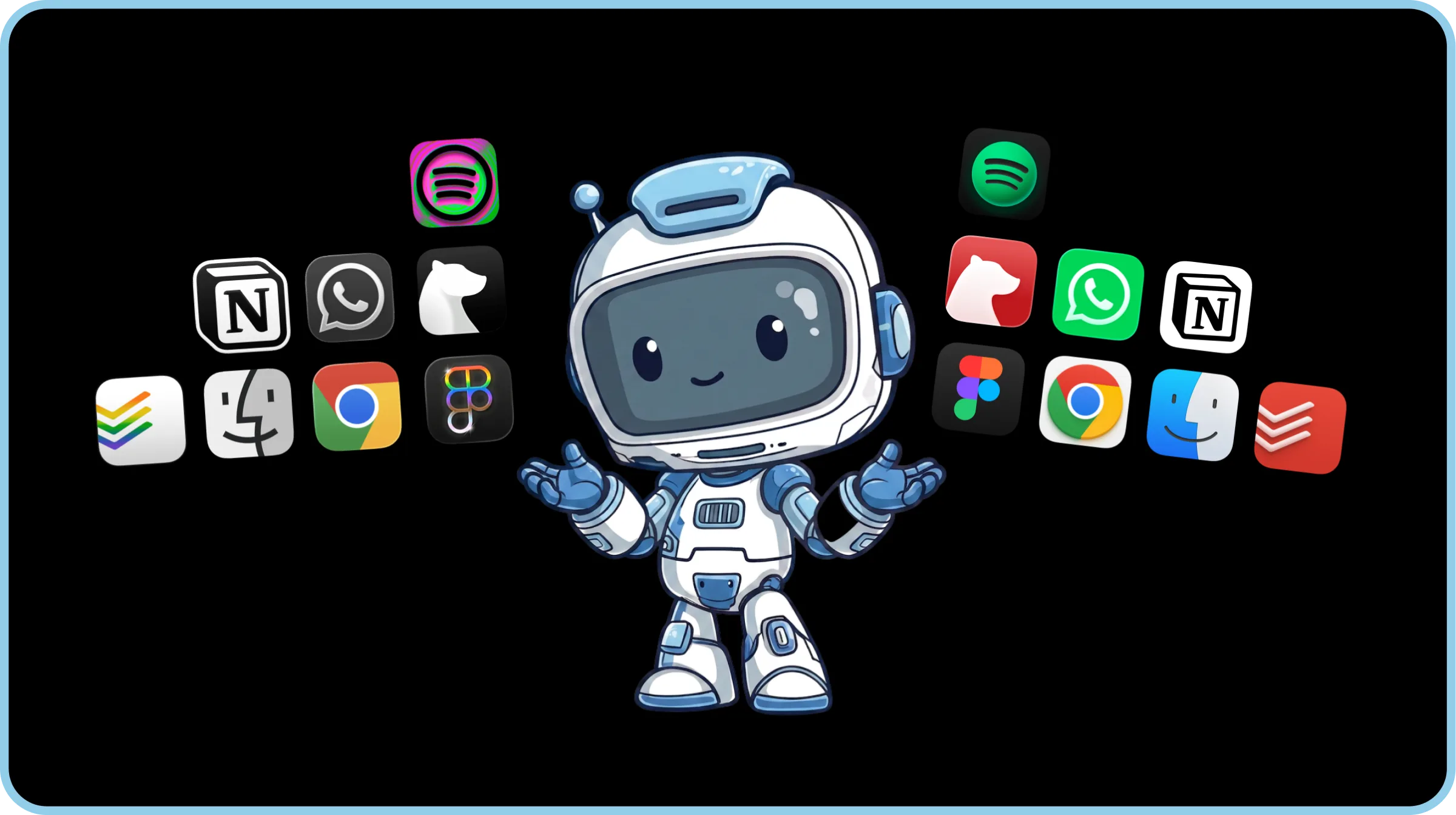
Customize to your heart's content. There are no limits.
Swap every app icon for one that matches your wallpaper, go fully transparent, or build a look per project. See how to customize the Mac dock.
And that's just one look out of endless possibilities.
ExtraDock is full of small quality of life features designed to improve your workflow:
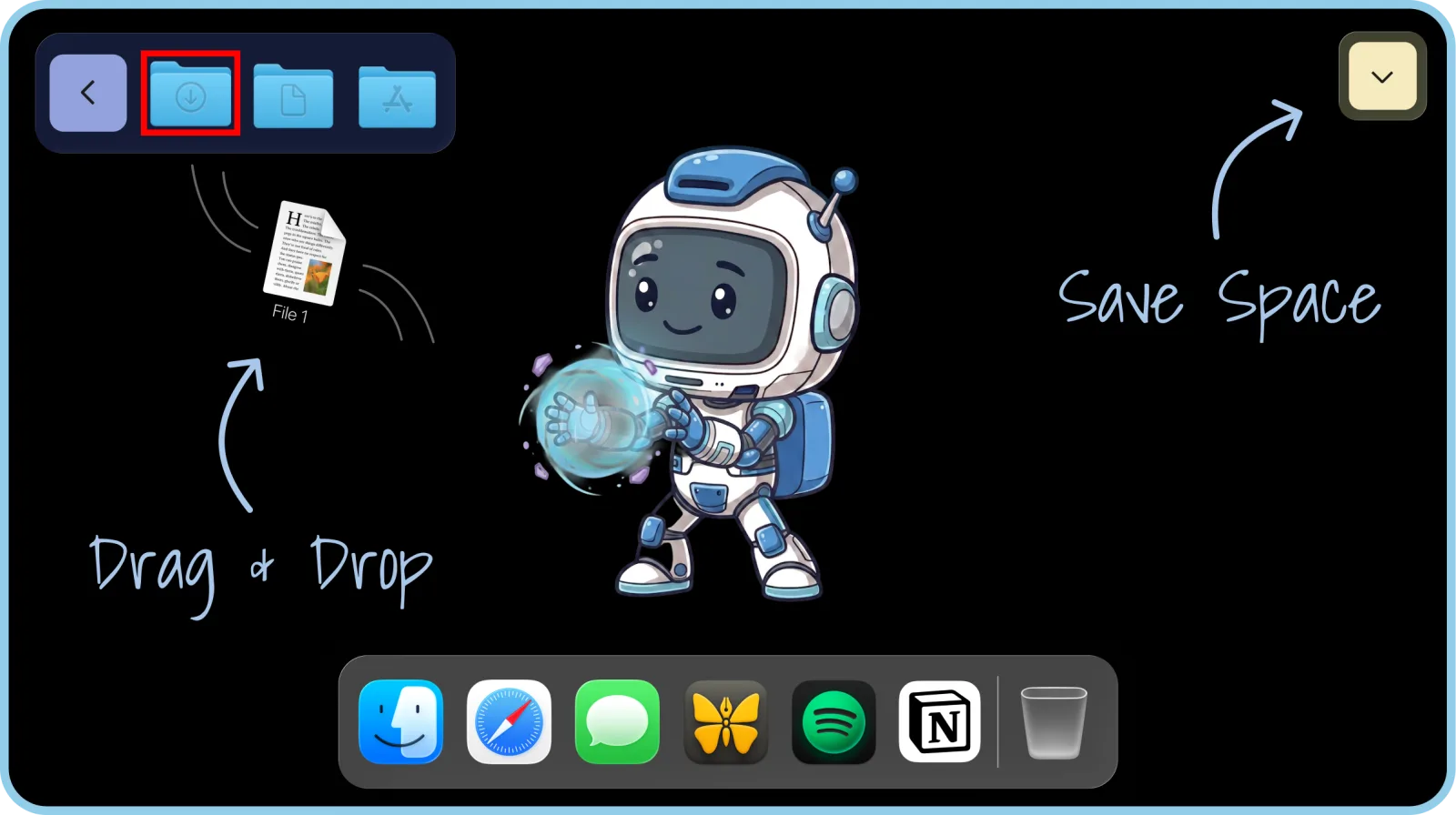
Your dock doesn't have to live at the bottom. Put a dock on any screen, any edge, or let it float.
Your docks, on their best behavior. There when you need them, gone when you don't.
Don't take our word for it… Take theirs
Extradock has enjoyed, and will continue to enjoy, my rave support. When it comes to creating multiple docks, there is no other app that not only does this but also adds a massive amount of functionality. If your aim is countless docks, there are options. If your aim is countless docks with incredible customisation and placement anywhere on screen, there is only Extradock that has created this functionality and continues to lead the way. I fully endorse this app.

Just bought the app and I'm loving it so far! I already found the Effects section where you can add things like snowflakes or fireworks as background animations — great feature!
Didn’t know this app existed, I’m using two monitors (one for figma and indesign, and the 2nd monitor for entertainment like youtube and spotify) so this docks will help to organize my main app that I’m using frequently. Thank you! 🙏
wow this looks crazy powerful. had no idea you could this. Kudos!
I love this app so much! I'm using it like a launcher. I group my apps into ctegories and put many docks on my desktop.
Congrats on releasing the new update! Looks great :)
Really hyped to follow along this journey! :D Every time I open my app updater and spot ExtraDock, I get super excited because legit every single time there's something made smoother or generally better, and because I use the extra docks (ha) all the time, it's super noticeable. Really appreciate all the hard work and again, really excited for what's to come! ❤️✨
Fantástico perfeito Solution
I did not realise there was an update until two days ago, and again I was left incredibly impressed. I absolutely love all the new features.
Great work on this. Thanks
ExtraDock is my favorite launcher/switcher to use when I am remoted into my mothership machine. It makes things manageable when I am trying to use 27-inch displays via a 15-inch MBA.
This is a great solution to a problem that drives me nuts. The worst for me is when I accidentally get the Dock from my MBP onto the secondary display and have to get it back down on the MBP. Awesome app idea
Another excellent update to an already amazing app from a company that does customisation incredibly well. Thinking about trying the app, take it for a test run - I have been very impressed.
looks like an absolute time / life saver.
Cool idea, and very well executed
what a great idea!
$14.99
Tax might apply
 One year access for 1 Mac
One year of updates
14-day money-back guarantee
One year access for 1 Mac
One year of updates
14-day money-back guarantee
$37.20
Tax might apply
$37.20 per device,
 Save $9.30
Lifetime access for 1
Macs
One year of updates
14-day money-back guarantee
$116.50
Tax might apply
Forever access up to 5 Macs
Forever Updates
All future app versions
14-day money-back guarantee
Standard Lifetime licenses include one year of updates and keep working forever.
Renewal is optional at $9.99 per year. Forever Edition includes all future updates for life.
ExtraDock customizes every detail, then adds more docks on every screen, with widgets and Folder Stacks.