Use Case
Show Dock on All Screens on macOS
ExtraDock lets you show the Dock on all screens of your Mac, not just the main one.
You didn't miss a setting. macOS never had one.
If you run multiple monitors, you know the pain: one dock, wrong screen, constant reaching. ExtraDock fixes that, and adds a bunch of small quality-of-life features on top.
Get ExtraDock14-day money-back guarantee.
You're Not the Only One
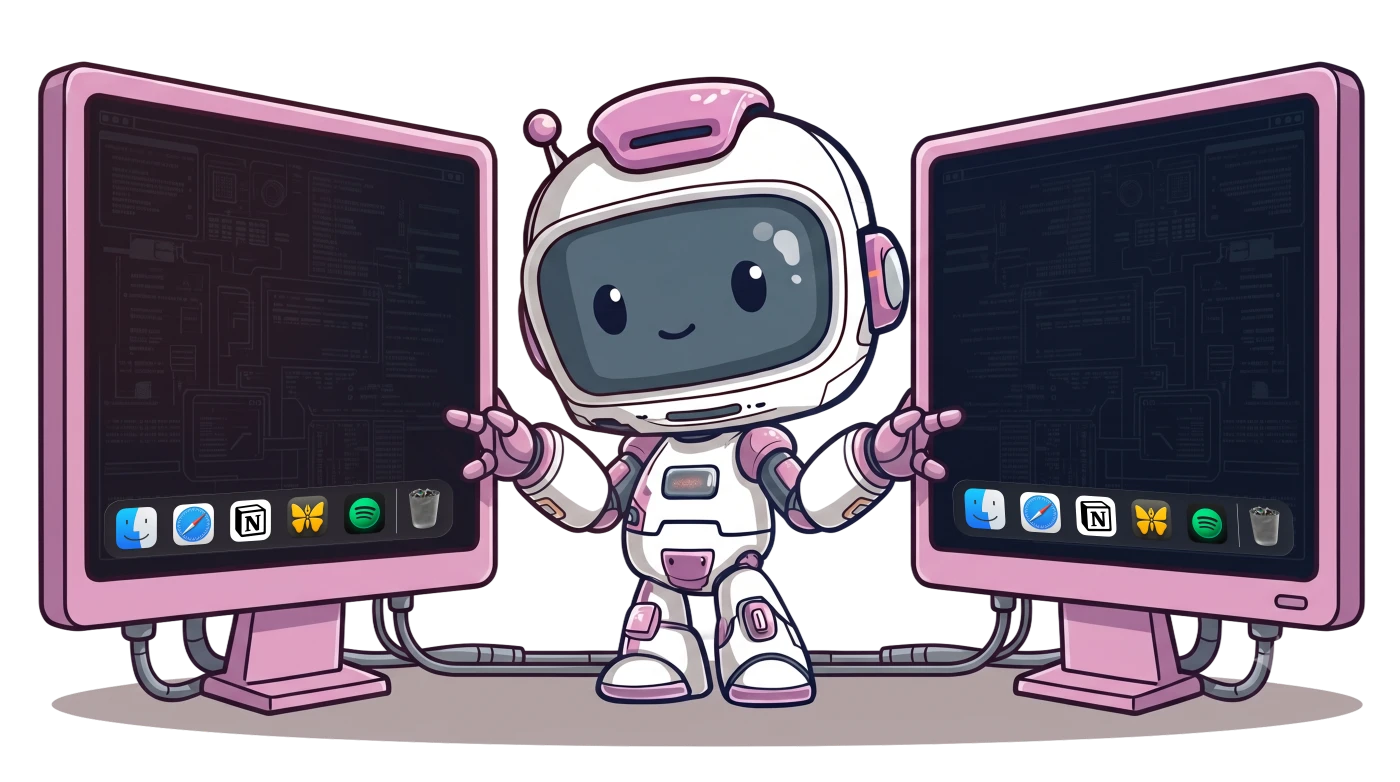
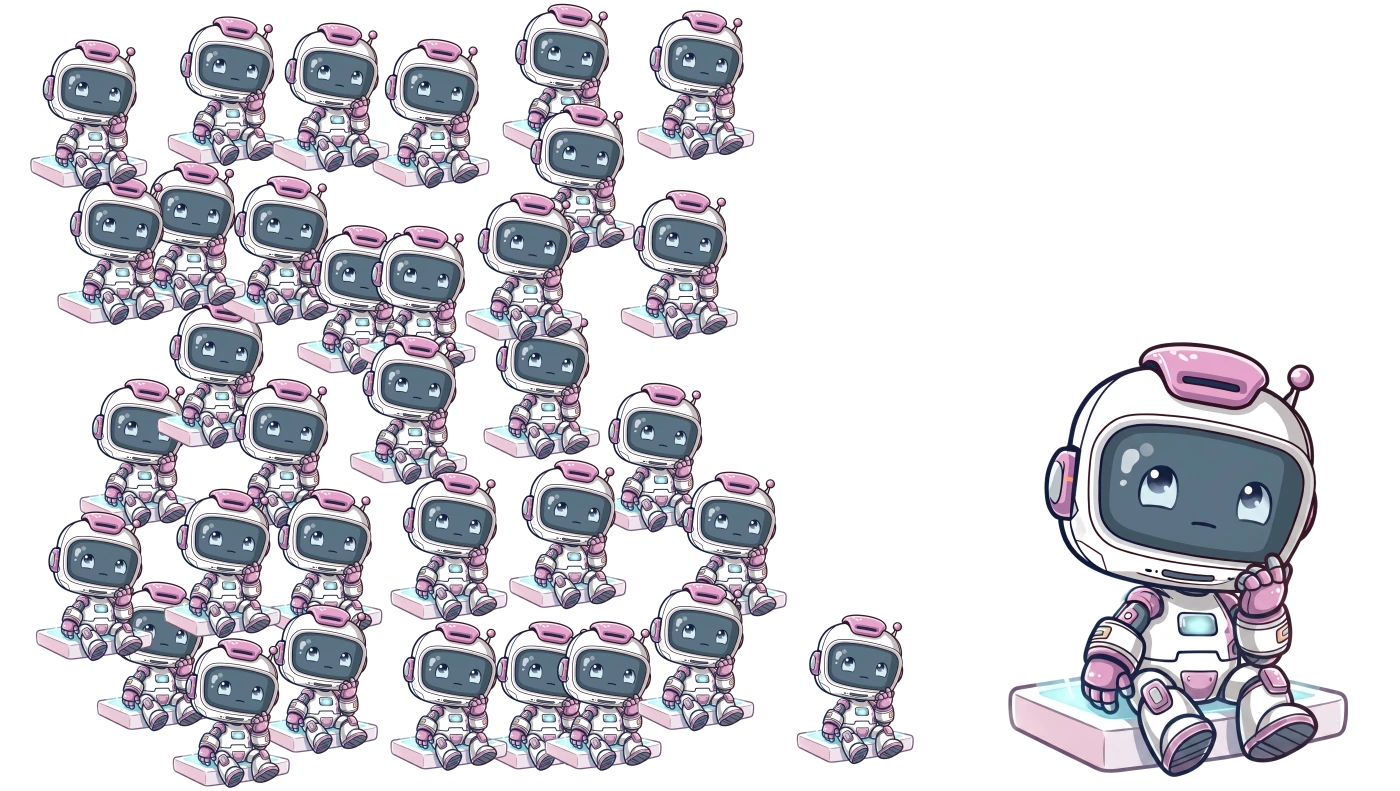
If you run multiple monitors, macOS still gives you just one Dock.
It stays on your main screen or jumps around after your mouse. The pain is real.
Unlike the menu bar, which made it to every screen in OS X Mavericks, the Dock never got the same treatment.
Luckily, there's a solution.
A Dock on Any Screen, Anywhere
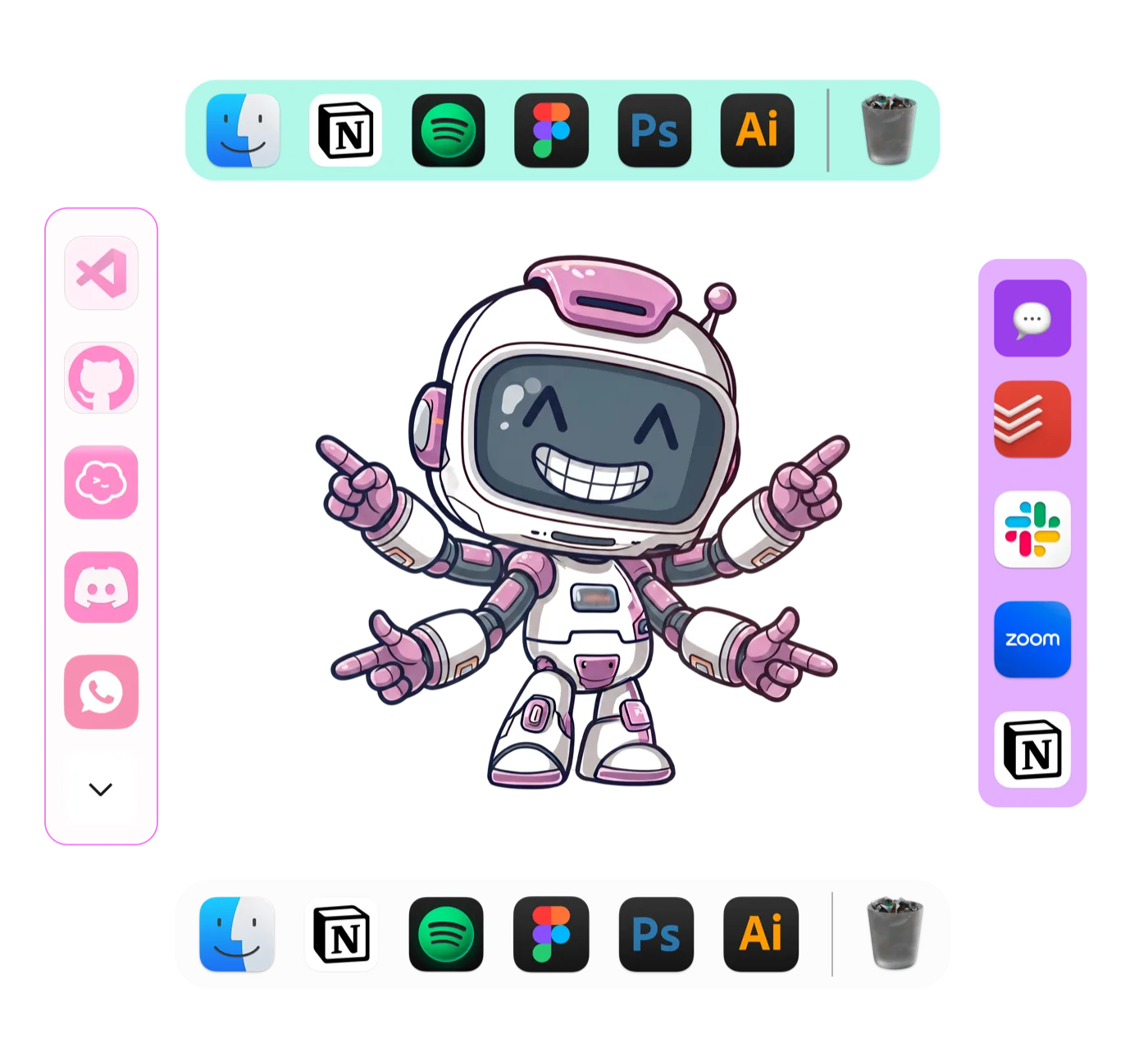
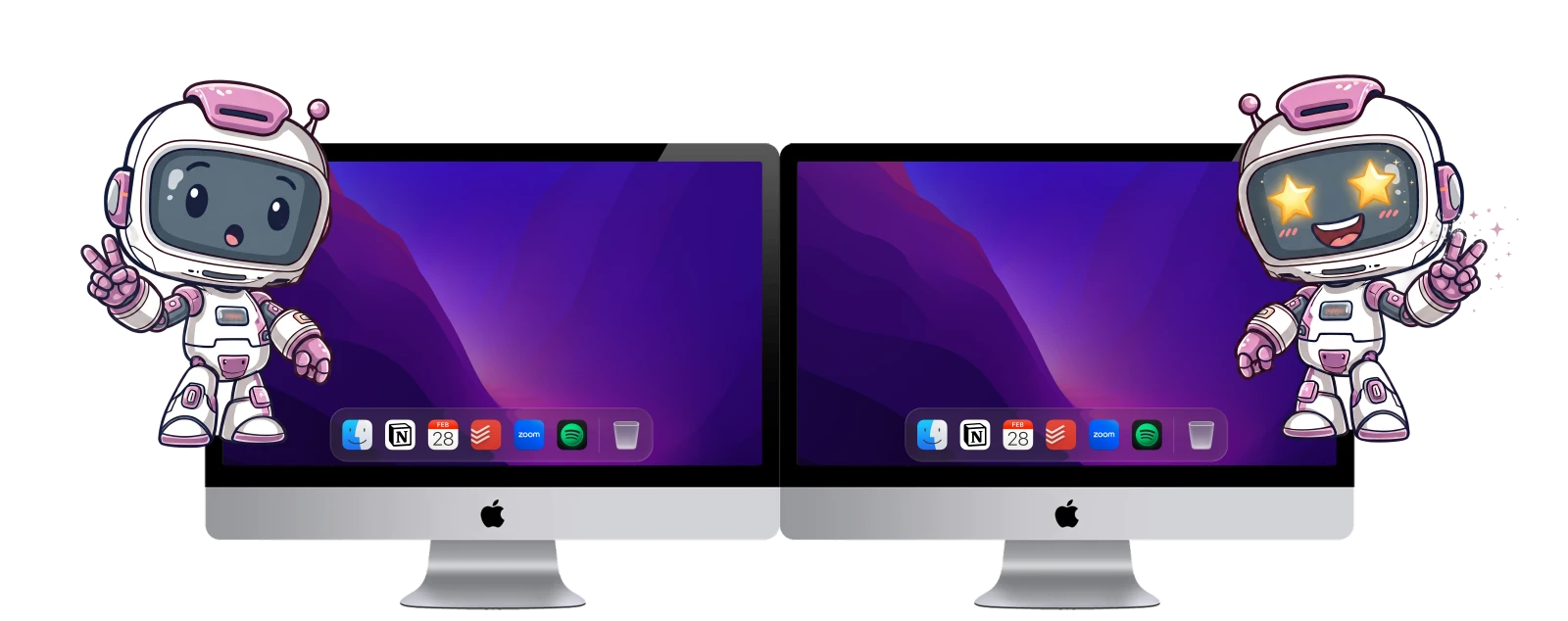
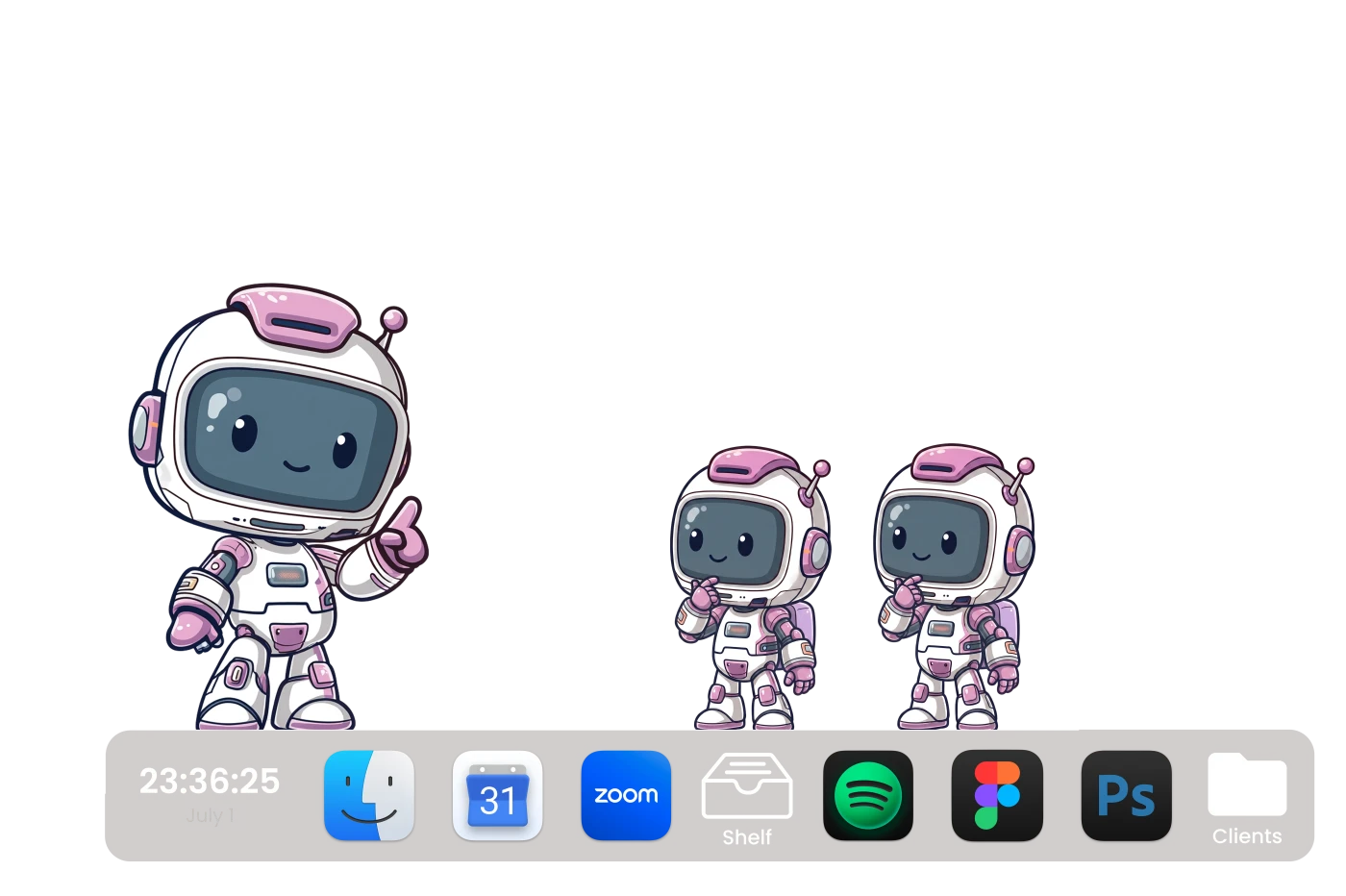
ExtraDock puts a dock on any display, at any screen edge, floating, or as a desktop widget.
You can make it look exactly like the macOS Dock, or customize it with colors, effects, borders, and opacity.
Docks can be assigned to a specific screen or shown on all screens with one toggle.
Added Quality of Life
ExtraDock is full of small quality of life features designed to improve your workflow:
- Widgets: add widgets like a clock, quick-access folder stacks, and more
- App preview: hover over an app to see a preview of its open windows
- Drag and drop: drop a file on a dock folder to move it there
- Shelf: hold files there while you move between windows
Customize Without Limits
iF yOu WaNt CuStOm, jUsT uSe LiNuX
Wrong. If you want customizability, just use ExtraDock.
Every dock could be unique. Give each project, screen, or mood its own identity.
Swap the app icons, match your wallpaper, or go full chaos. Do whatever makes you happy, they're your docks.
Finally, every screen gets a dock.
Awesome & Affordable Pricing
Nobody likes to pay for software. But even worse is if you pay, and it stops getting better.
So every license gets you everything — full app, all features, all updates.
Trusted by 1000+ Mac users worldwide
Part of a team?
Get multiple licenses for teams that care about productivity.
Premium Support
License Management Dashboard
Assign License by email
The 3-in-1 productivity bundle
Worth separately!
Get All our products!
Bundle price saves you
Multiple licenses
Let's Talk
Get All our products!
Upgrade your team workflow

Frequently Asked Questions
Everything you need to know about ExtraDock.

You'll forget which screen is the main one.
Don't hesitate, we have a 14-day money-back guarantee.
Get ExtraDock