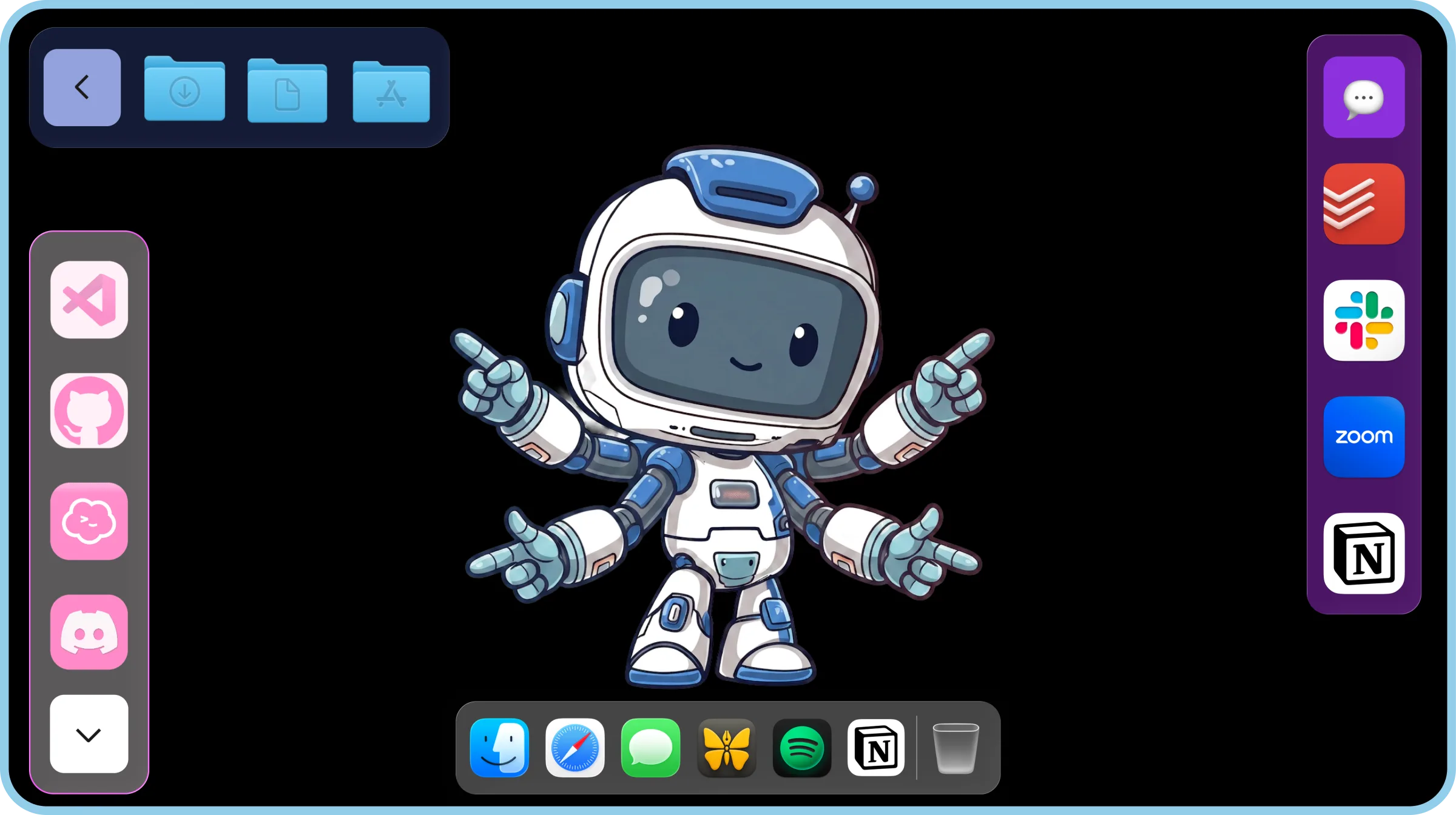
Move the Mac Dock to Another Screen
To move Mac Dock to another screen, move your mouse onto that screen and push it past the bottom edge.
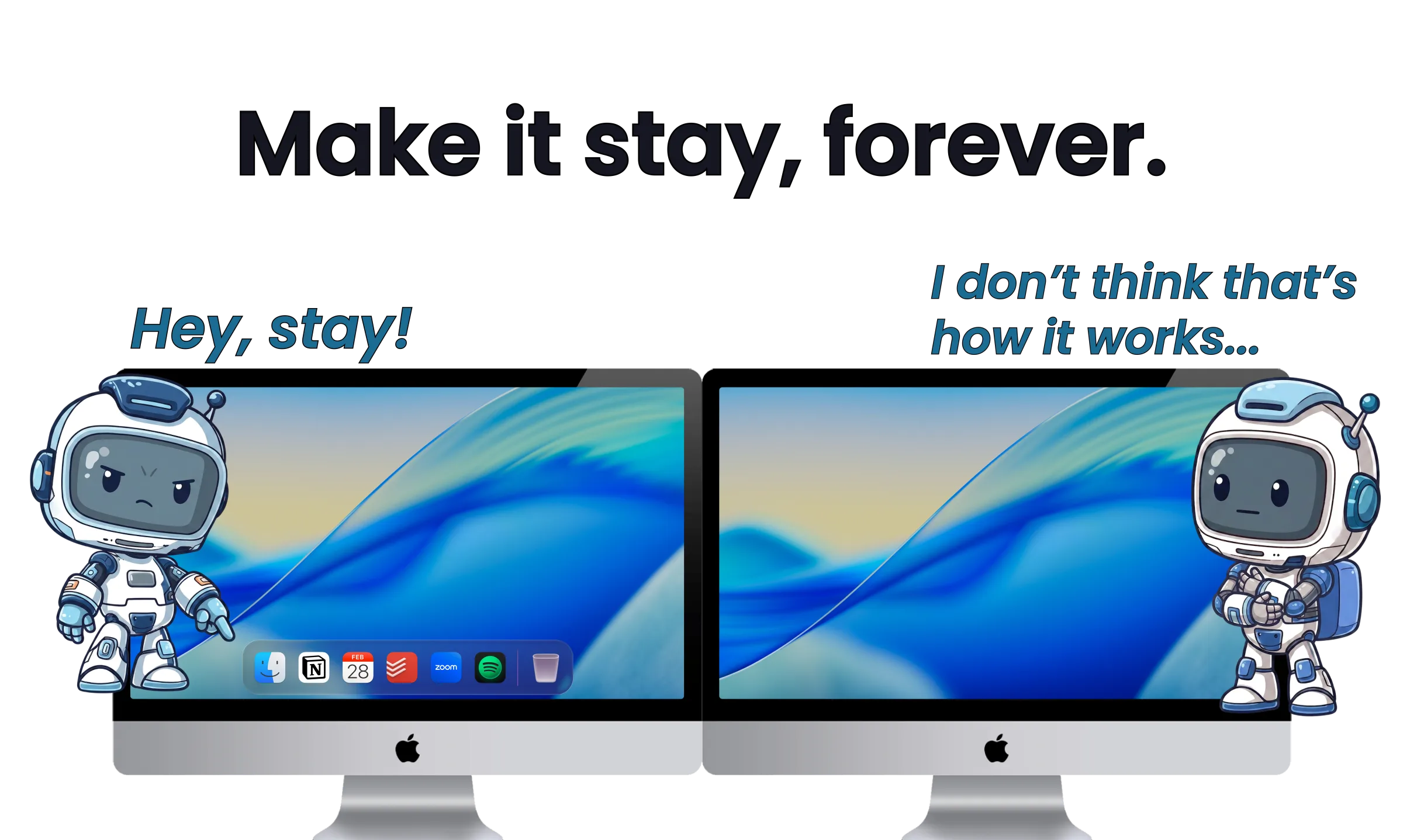
But there's a problem. It's still one Dock, and it follows your mouse from screen to screen.
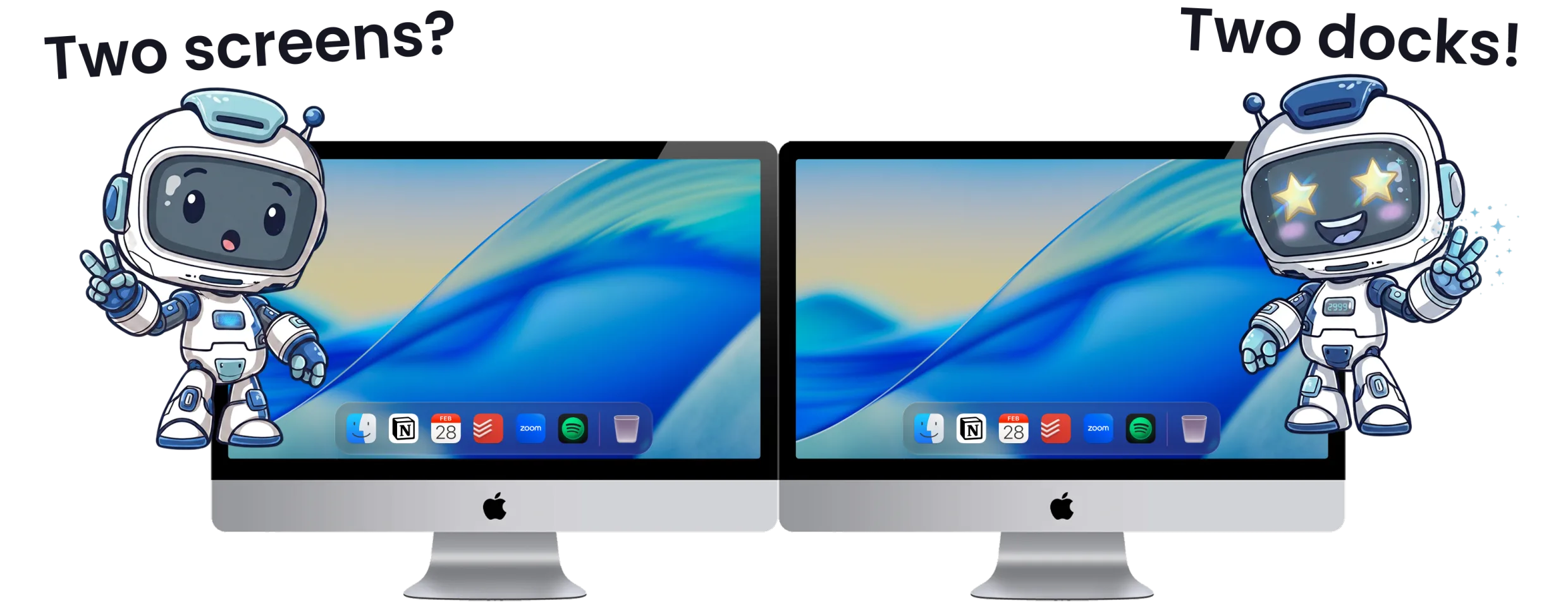
It's time every screen had its own dock. ExtraDock does exactly that.
14-day money-back guarantee.
macOS Only Gives You One Dock
Back in 2013, OS X Mavericks put the menu bar on every screen. The Dock never got the same treatment, and Apple has never said why.
So we're stuck moving the one Dock from screen to screen, and it never stays where you put it.
There's no setting that picks a screen or duplicates it to more displays.
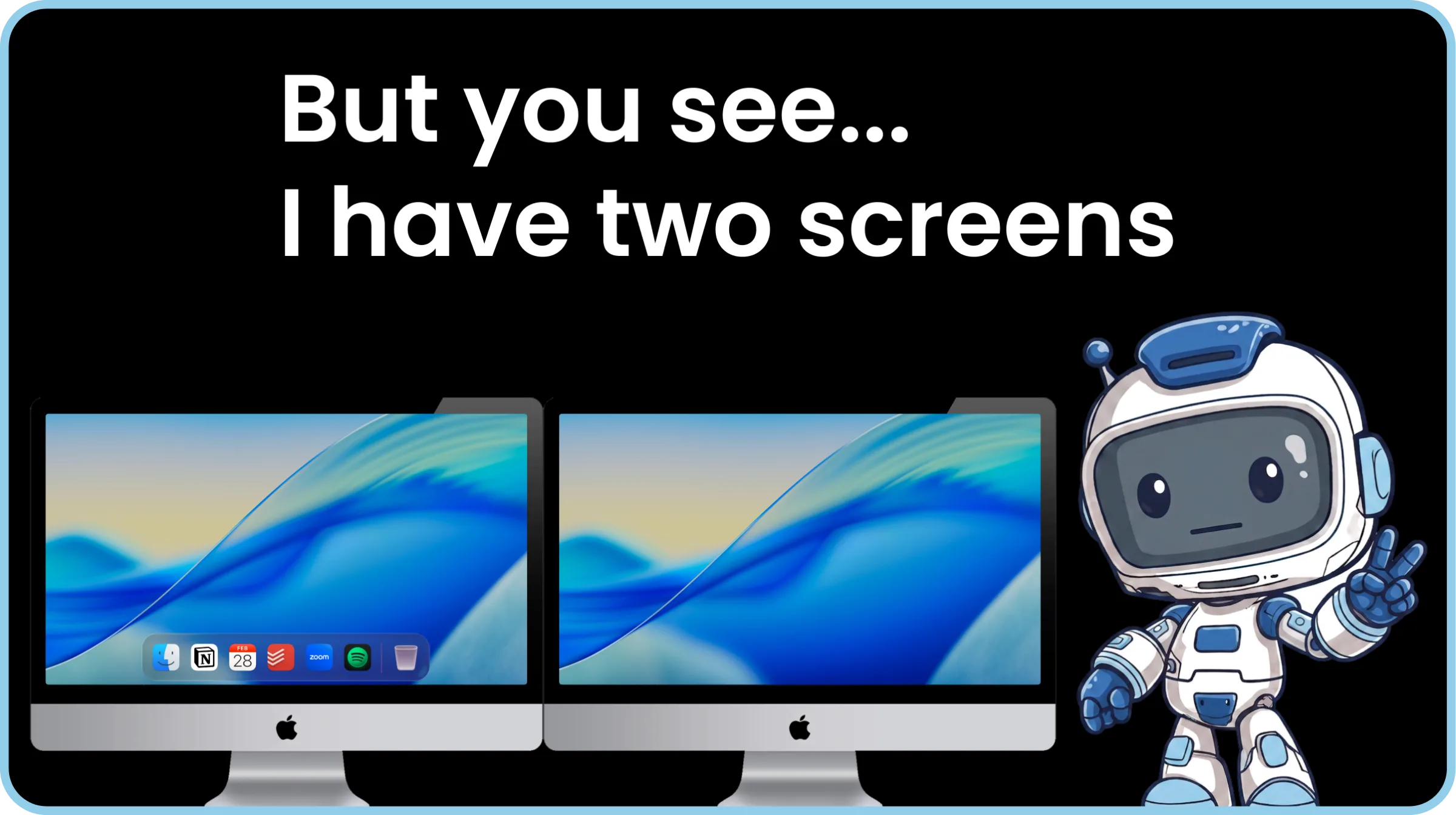
Give Every Screen Its Own Dock
ExtraDock fixes this. Every screen gets its own dock, and it stays right where you put it.
Set it up once for each screen. Then you never have to think about it again.
Added Quality of Life
ExtraDock is full of small quality of life features designed to improve your workflow:
- Widgets: add widgets like a clock, quick-access folder stacks, and more
- App preview: hover over an app to see a preview of its open windows
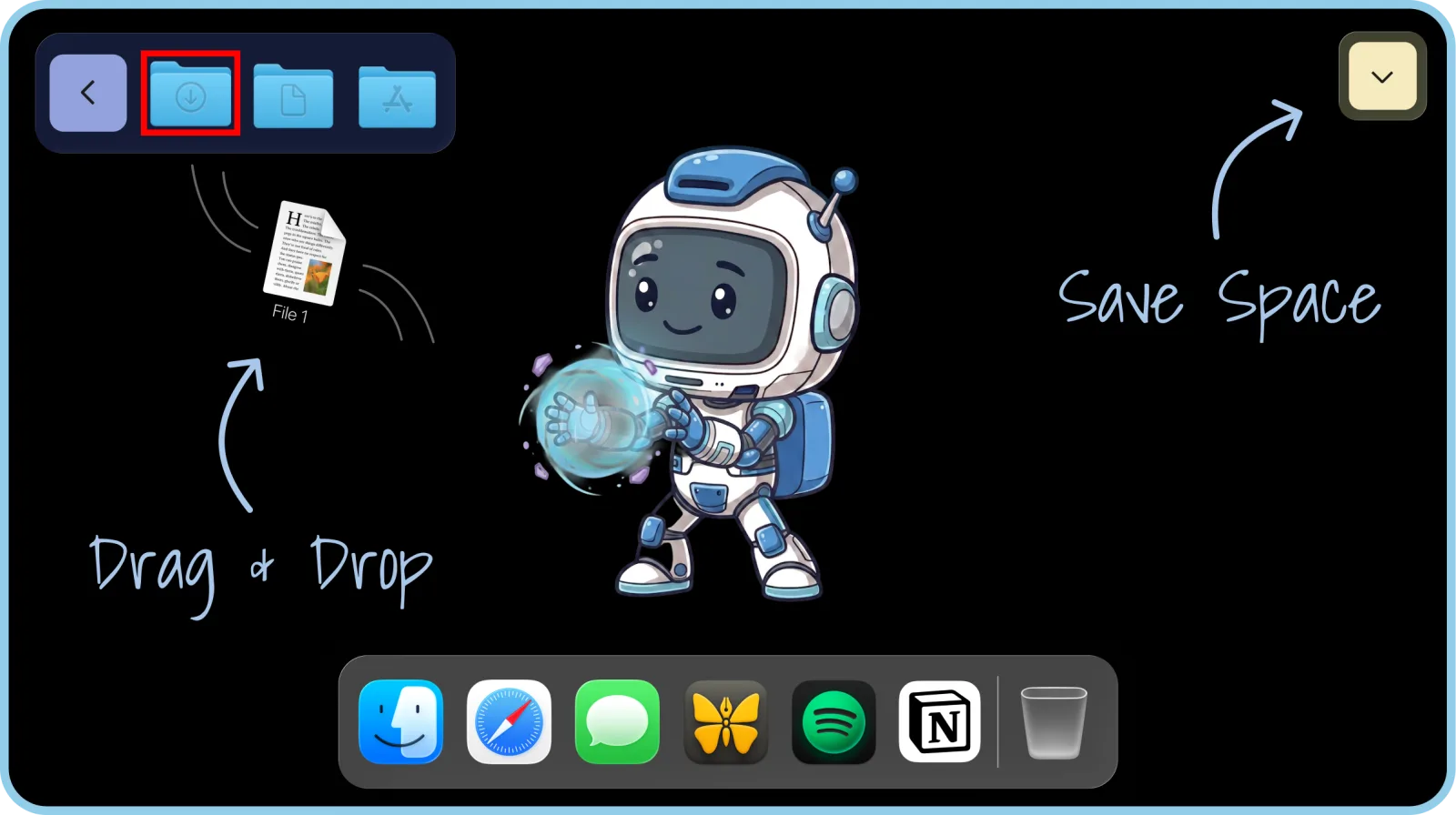
- Drag and drop: drop a file on a dock folder to move it there
- Shelf: hold files there while you move between windows
Finally, it just stays.
Awesome & Affordable Pricing
Nobody likes to pay for software. But even worse is if you pay, and it stops getting better.
So every license gets you everything — full app, all features, all updates.
Trusted by 1000+ Mac users worldwide
- Available for macOS Device
Part of a team?
Get multiple licenses for teams that care about productivity.
Premium Support
License Management Dashboard
Assign License by email
The 3-in-1 productivity bundle
Worth separately!
Get All our products!
Bundle price saves you
Multiple licenses
Let's Talk
Get All our products!
Upgrade your team workflow
Frequently Asked Questions
Everything you need to know about ExtraDock.
Never move your
Dock again.
Don't hesitate, we have a 14-day money-back guarantee.
Put a Dock on Every Screen